Braille and Tactile Signage
Braille and Tactile Signage
Why This Matters
Not all children and families can rely on sight to understand a playground.
For people who are blind, low vision, or deafblind, information must be available through touch.
If information only exists visually, it does not exist for everyone.
Inclusive design must ensure that navigation, understanding, and participation are possible without relying on sight.
What Braille and Tactile Signage Provides
Braille and tactile signage allow people to read and understand information through touch.
This includes:
Raised lettering
Braille text
Tactile symbols and graphics
Accessible signage should combine both tactile print and braille so more people can read it in different ways.
This is not a specialist feature.
It is a basic requirement for inclusion.
Touch Is a Primary Way of Understanding
For many users, touch replaces sight.
They use:
Fingers to read text
Hands to explore shapes
Cane or feet to detect surfaces
Tactile systems such as ground indicators are widely used to guide movement and warn of hazards through touch.
Playgrounds must support this same approach.
Signage Must Be Designed for Touch
Not all signs can be read by touch.
Accessible tactile signage must:
Use raised lettering (not engraved)
Have clear, simple shapes
Be easy to locate by hand
Guidance recommends embossed lettering and braille rather than engraved text, which is difficult to read by touch.
If a sign cannot be felt clearly, it cannot be used.
Placement and Height Matter
A sign is only useful if it can be found.
Tactile signage should be:
Consistently placed
Within reach from a seated or standing position
Located at decision points
Typical guidance places tactile signage between 1200 mm and 1600 mm above ground level.
If a person cannot easily locate the sign, it becomes meaningless.
Braille Must Be Accurate and Usable
Braille is not decorative.
It must be:
Correctly translated
Properly spaced
Raised and easy to read
Braille dots must be shaped and positioned accurately to ensure readability and consistency.
Poor-quality braille is not inclusive.
It is unusable.
Combine Tactile and Visual Information
Good signage does not rely on one format.
It should include:
Braille for touch readers
Raised text for tactile reading
High contrast text for low vision users
Guidance shows that combining tactile and visual elements ensures more people can access the same information.
Inclusion means providing multiple ways to understand.
Tactile Ground Indicators Support Navigation
Signage is not limited to walls or panels.
The ground itself can communicate.
Tactile Ground Surface Indicators (TGSIs) are used to:
Guide direction
Warn of hazards
Mark transitions
These surfaces provide physical cues underfoot to support safe navigation.
They are critical for independent movement.
Wayfinding Through Touch
Tactile signage supports wayfinding by allowing users to:
Identify locations
Understand directions
Confirm where they are
Research shows that signage, including braille and tactile elements, is a key part of improving playground accessibility and navigation.
Without it, orientation becomes difficult.
Durability Matters
Tactile signage must last.
Outdoor environments require:
Durable materials
Weather resistance
Consistent readability over time
Guidance recommends using materials such as metal or durable plastics rather than temporary or low-quality options.
If signage wears down, accessibility is lost.
Signage Should Be Where It Is Needed
Braille and tactile signage should be placed at:
Entrances
Toilets and facilities
Pathway junctions
Play zones
These are decision points.
These are where information matters most.
If signage is placed randomly, it is not effective.
Playground Learning and Inclusion
Braille signage is not only functional.
It can also:
Support learning
Encourage curiosity
Promote understanding of different communication methods
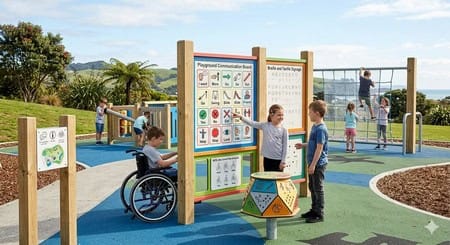
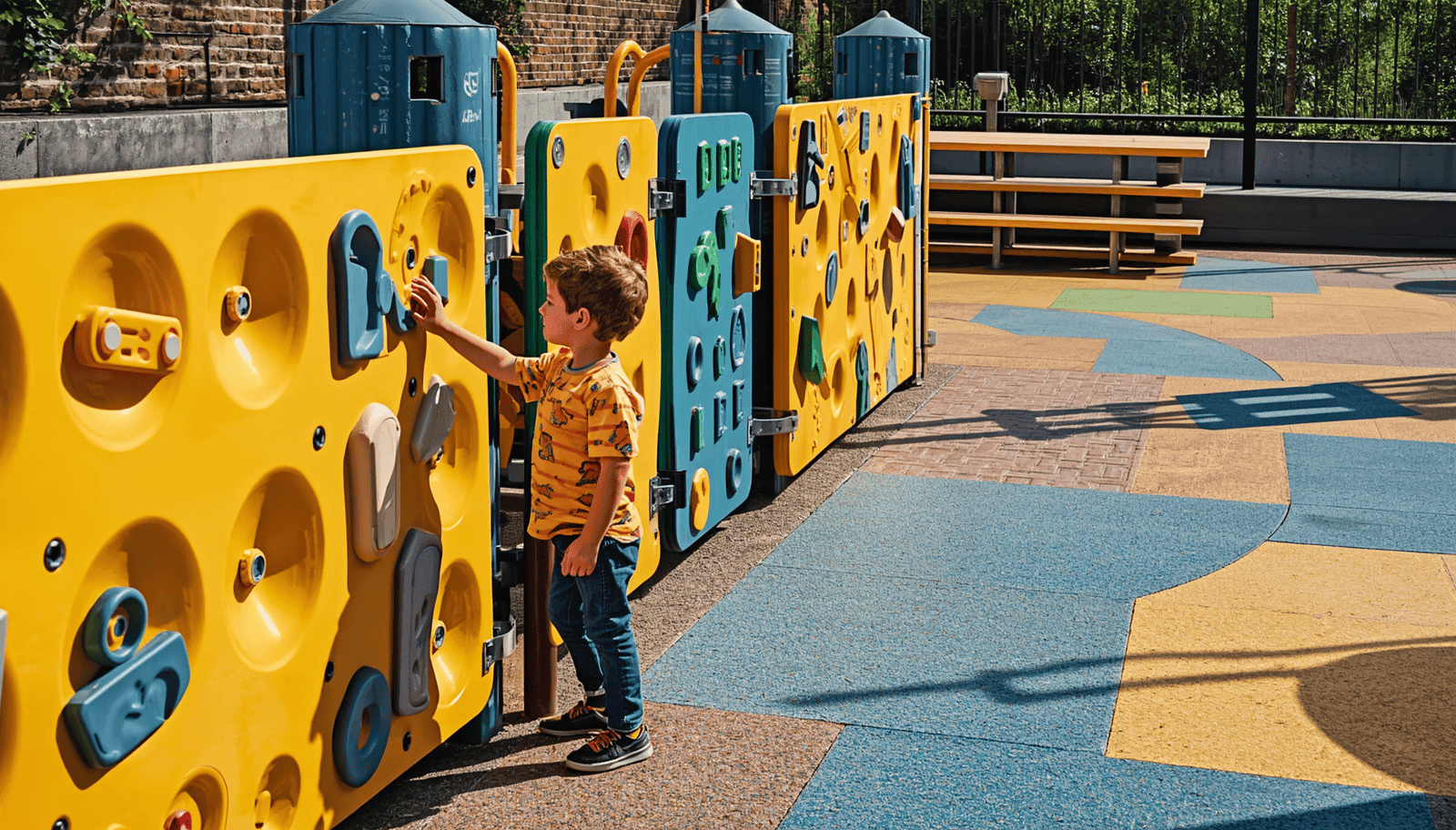
Some playgrounds include braille panels as part of play, allowing children of all abilities to explore and learn together.
This creates shared experiences.
Common Mistakes
Braille and tactile signage often fail due to poor design.
Engraved text instead of raised
Incorrect braille spacing
Placed too high or too low
Inconsistent locations
Poor durability.
These issues make signage unusable.
A Lived Experience Reality
From lived experience, tactile information is immediate.
You either:
Find the sign
Understand it
Use it
Or you do not.
There is no workaround.
If tactile information is missing, the space becomes harder to use.
Final Thought
Braille and tactile signage is not an extra.
It is essential.
It allows people to navigate, understand, and participate independently.
When information is available through touch, inclusion becomes possible.
When it is not, people are excluded.
Because inclusion is not about what is provided.
It is about whether it can be used.